Did you know? This WhatsApp file that looks like a bill can take over your computer
NACSA warns of .vbs files disguised as financial documents spreading via WhatsApp Web. How to spot them and turn off WhatsApp auto-download.
In this article
A friend sends you a WhatsApp file: "Sila semak bil anda" (please check your bill). It looks like a normal PDF. But open it on a computer, and it can let someone else control your PC remotely.
On 5 November 2026, Malaysia's National Cyber Security Agency (NACSA) warned about .vbs files disguised as financial and legal documents, spreading through WhatsApp Web on Windows. Its main advice is simple: turn off auto-download.
What's going viral right now?
Since yesterday, Threads and TikTok users have been sharing "cyber attack has reached WhatsApp" warnings, telling people not to open ZIP files even from friends (BuzzKini).
It follows the Prime Minister's warning on 3 November that Malaysia could be a cyberattack target. If you missed it, read about the cyberattack on European supermarket fridges.
Important: NACSA's warning is a precaution. RTM's report doesn't mention any specific confirmed incident.
How does the file work?
This tactic has actually been tracked since June 2026:
- Sent from a friend's account. Criminals use hijacked WhatsApp accounts to send the file to the victim's contacts (Kaspersky).
- File names look like work documents. Examples MyCERT shared: "Acknowledgment of Debt.vbs", "Sila semak bil anda.vbs", "December statement of account.vbs" and "Reconciliation.vbs".
- Not a PDF. It's a Visual Basic script (.vbs) that runs as soon as it's opened on Windows.
- Installs a back door. According to MyCERT, it can install a Remote Access Trojan (RAT), survive restarts, and capture passwords, banking PINs and OTPs you type.
Did you know? According to Kaspersky, Malaysia recorded the highest number of victims in this WhatsApp campaign, ahead of Brazil, Singapore, Taiwan and Vietnam. File names were even localised into Malay.
How to turn off auto-download (per NACSA)
WhatsApp (Android and iPhone)
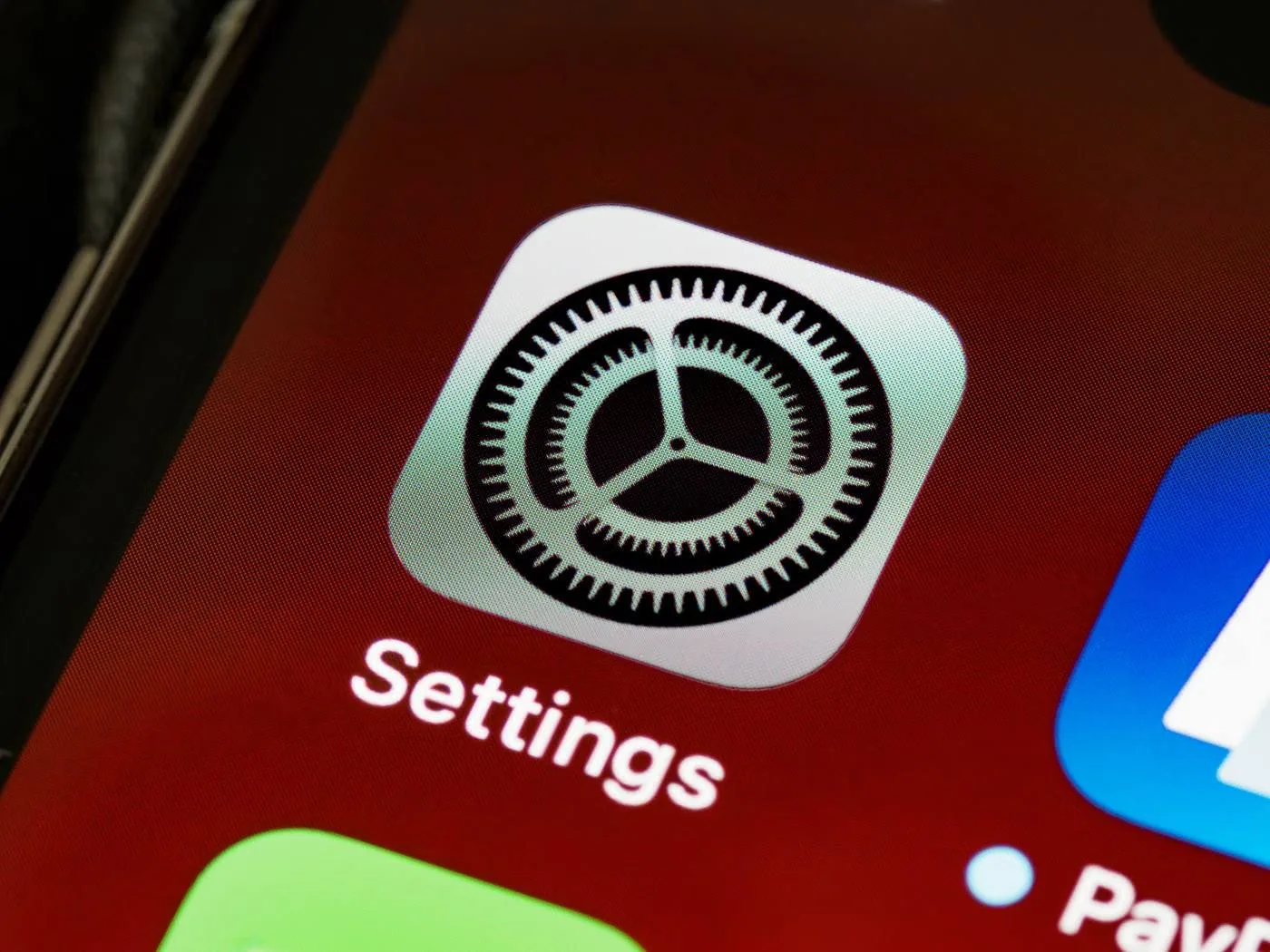
- Open Settings
- Go to Storage and Data
- Under media auto-download, set every media type to Never
WhatsApp Web and Desktop
- Open Settings
- Go to Chats
- Turn off Media Auto-download
Telegram
- Phone: Settings > Data and Storage, turn off Automatic Media Download
- Telegram Desktop: the same setting is under Advanced
Simple rules to stay safe
- Don't open unexpected .apk, .zip, .iso or .exe files, even from friends.
- Call the sender to confirm before opening a file.
- Delete suspicious files and don't forward them.
- Keep apps and your operating system updated.
- Turn on WhatsApp two-step verification and check Linked Devices regularly (advice from India's CERT-In).
Already opened it?
Follow NACSA and MyCERT's steps:
- Disconnect that computer from the internet immediately.
- Change passwords for important accounts using a different, safe device.
- Call your bank if banking details may have been exposed.
- Get technical help. MyCERT says regular antivirus may not remove this RAT.
- Report it to MyCERT at [email protected] with a screenshot, the time and the sender's number.
Have you turned off WhatsApp auto-download yet? Share this with your parents and the family group chat too.
Sources
- Berita RTM, Matikan muat turun automatik WhatsApp, Telegram elak serangan siber: NACSA (5 Nov 2026)
- The Star, MyCert warns of malware being spread through WhatsApp Web and Desktop (25 Jun 2026)
- Kaspersky, Kaspersky uncovers a new massive campaign spreading malware via WhatsApp (22 Jun 2026)
- BuzzKini, 'Cyber attack dah singgah WhatsApp' (5 Nov 2026)
- Free Press Journal, WhatsApp malware wave hits Asia, India's CERT-In also warns (Nov 2026)